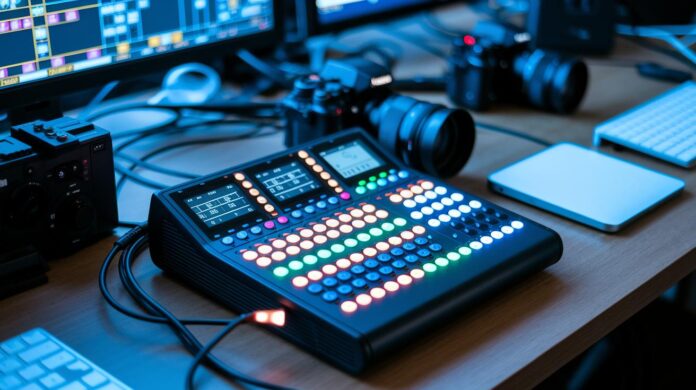

Ever wonder if one simple tool can add movie-like magic to your live stream? A video switcher works like a secret backstage team, smoothly mixing feeds from cameras and smartphones into one amazing show.
It really amps up your live event by letting you switch scenes without breaking a sweat. Whether you're a seasoned pro or just starting out, this smart device makes it easy to create a show that truly dazzles.
Imagine having your very own mini director who turns every moment into a memorable live experience. It's all about making your broadcast as engaging and fun as if you were right in the spotlight.
Overview of Live Streaming Video Switcher Technology
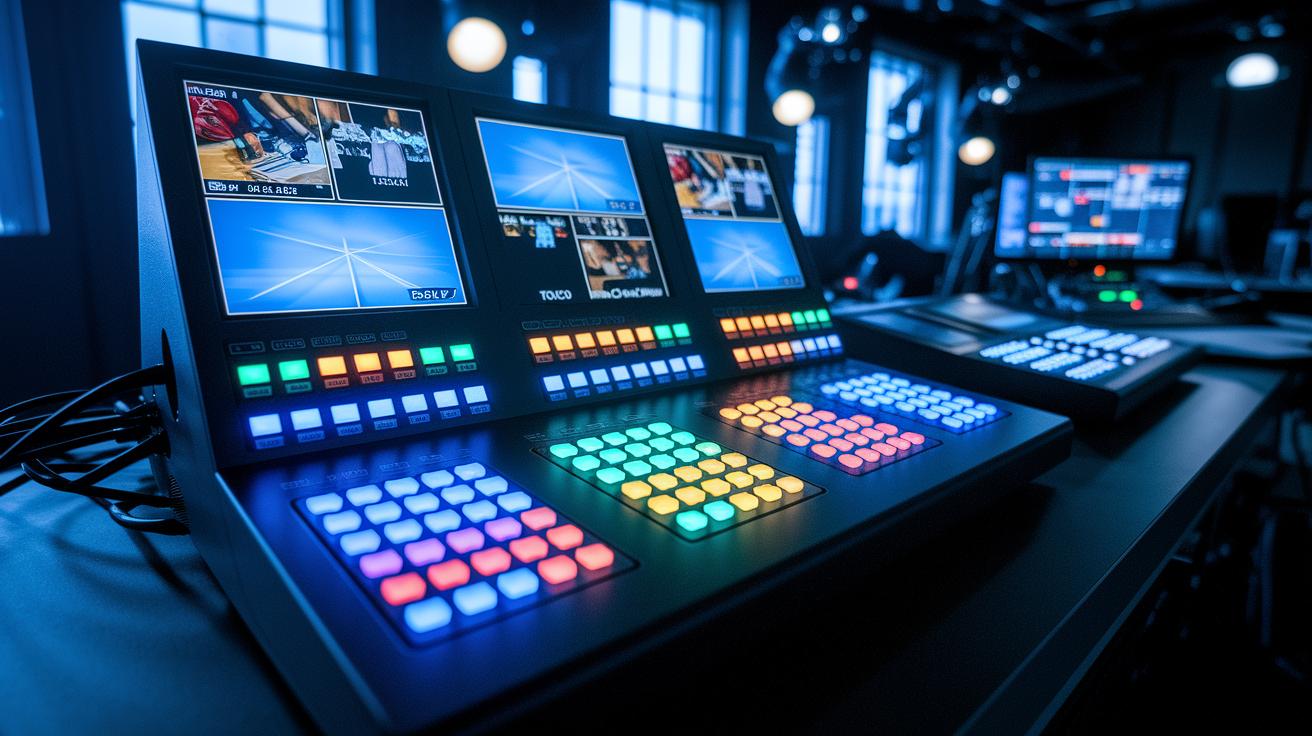
A live streaming video switcher is like your secret backstage crew, mixing different video feeds into one smooth show. It lets you jump between cameras, smartphones, and media players in real time, just like switching scenes in your favorite movie. Imagine watching a live match and suddenly zooming in on that game-changing goal; that's the magic a smart switcher delivers.
There are three main kinds of video switchers: hardware, software, and cloud-based. Hardware ones are built tough and are perfect for pro live productions, offering trusted connections with SDI, HDMI, USB, LAN, and even SRT. Some high-end hybrids can even juggle up to 28 audio channels and come with cool automation tricks. Software switchers, on the other hand, offer a budget-friendly, flexible solution that works on regular computers. And then there are cloud-based switchers, which let you mix your live feeds straight from your web browser, no heavy gear needed.
4K video switchers take things up a notch by handling full-resolution outputs. They blend inputs from cameras, smartphones, and media players with pinpoint accuracy, ensuring every detail pops during live broadcasts.
| Type | Key Feature |
|---|---|
| Hardware | Durable connectivity and robust design |
| Software | Affordable and flexible |
| Cloud-based | Easy access via web browser |
Essential Features of a Live Streaming Video Switcher

An outstanding HD streaming switcher shines with strong connectivity. It comes loaded with ports like SDI, HDMI, USB-C, and NDI, so mixing feeds from cameras, smartphones, and media players is a breeze. Imagine tapping a button and watching the scene switch instantly, pretty cool, right?
Video quality is a big deal too. The top switchers keep your stream sharp and smooth, preventing blurry visuals and dropped frames. Think about watching your favorite game with every detail crisp enough to make you feel like you're right there in the action.
Real-time monitoring is effortless with a built-in display that lets you check the framing, the sound, and even overlays on the fly. It’s like having a mini control room right on your device, saving you time when every moment counts.
Ease of use really matters, whether you're a one-person show or part of a professional crew. The interface should be simple and efficient, and the price should match the performance so you aren’t sacrificing any must-have features.
- Connectivity: SDI, HDMI, USB-C, NDI
- Video quality: Clear and steady output
- Built-in display: Real-time monitoring
- Ease of use: Simple yet effective
In short, choosing the right switcher is all about striking the perfect balance to keep your live stream flawless.
Hardware Video Switchers: Top Devices for Live Streaming

Big names like Grass Valley, Panasonic, Ross Video, and Sony are at the top of their game when it comes to a solid, reliable hardware setup. These systems come loaded with plenty of inputs and outputs to keep pace with today’s fast-changing tech. Whether you’re switching from SD to HD or jumping into 4K, you’re in good hands. Some pro mixers even bring six SDI and six HDMI inputs along with a 42-channel audio mix. With LAN and USB-C streaming outputs, your broadcast smoothly flows like a full orchestra with every instrument playing in perfect harmony.
Even in a compact design, a switcher with dual touchscreens can transform a basic multi-camera setup into a professional broadcast studio. Compact 4K switchers pack a punch with dual touchscreens, HDMI inputs and outputs, and 14-channel audio mixing. They’re perfect for on-the-go productions yet still deliver top-notch quality on every broadcast.
Take the ATEM Mini Pro, for example. It sports four HDMI inputs and supports hardware-encoded streaming along with USB H.264 recording. If you’re juggling multiple cameras, this little device makes switching seamlessly easy and keeps things running like clockwork.
- High durability from top brands
- Robust input options: SDI, HDMI, USB-C
- Advanced audio mixing and streaming outputs
- Compact designs with dual touchscreen interfaces
| Model | Key Features |
|---|---|
| Pro Mixer | 6 SDI/6 HDMI, 42-channel audio, LAN, USB-C |
| ATEM Mini Pro | 4 HDMI inputs, hardware streaming, USB H.264 recording |
Software and Cloud-Based Switching Solutions for Live Streams

Software switchers like vMix, OBS, and Wirecast work on Windows, Mac, and Linux. They offer streamers, teachers, and small productions a smart and pocket-friendly setup. You can mix, switch, record, and stream everything from webcams to IP feeds and media files. Imagine starting your livestream as easily as pie – one minute you’re testing a webcam, the next, you’re live with a class.
Digital switcher software gives you the freedom to play around without breaking the bank. They let you experiment with live switching without the heavy hardware investments. It’s like quickly cutting together your favorite scene before you dive into a full movie. I once mixed clips on OBS and was amazed at just how simple it was to get started.
Cloud-based switching solutions, like TVU Producer, run right in your browser. They help you cut down on bulky equipment by switching live over the internet. Just remember these tools need a steady, high-speed connection so nothing gets interrupted.
- Flexibility: Great for different production setups
- Affordability: Many free or low-cost options to choose from
- Constraints: Software can sometimes crash; cloud options rely on network strength
Overall, these options offer scalable solutions that grow with your production needs – perfect for both small projects and bigger ambitions.
Advanced 4K and Multi-Source Switching for Professional Streams

Managing a live broadcast is no small feat. That’s why a solid 4K switcher is a must-have. This clever device works with HDMI, USB-C, and NDI at the same time, making sure every image is sharp and clear. Imagine snapping from a wide shot to a close-up without missing a moment, your audience stays hooked on every beat!
Smooth transitions are the secret sauce. With cool tools like automated macros (tiny commands that do the heavy lifting) and real-time overlays, you can switch scenes like it’s second nature. Need to fade into a graphic that teases the next act? It happens with a seamless click, keeping the show’s flow alive.
When it comes to handling multiple video sources, the possibilities are endless. Whether you’re juggling cameras, media players, or even remote feeds, these switchers let you hop between inputs quickly without any lag. Picture moving effortlessly from a live performance to a recorded interview, talk about a show-stopping switch!
Built-in automation also makes your setup a breeze. Pre-set commands can handle recurring events or even complex live shows, trimming down all that tedious manual work. It’s like having the perfect stage set up for every performance, ensuring your stream runs smoothly no matter how many sources you need to manage.
Fun fact: a professional 4K switcher can transform a multi-camera setup into an effortless broadcast performance!
Buying Guide: Choosing the Right Video Switcher for Your Live Setup
If you're on the hunt for a video switcher to level up your live stream, it all comes down to weighing the cost against the features you need. Entry models usually run between $300 and $700, which works great for solo creators or small setups. But if you want a pro-grade switcher with lots of inputs and advanced tricks, you might need to drop over $2,000.
When you compare different video switchers, think about what really matters to you. Do you need more camera feeds, special output options, extra audio channels, or features like built-in streaming and recording? Picture it like picking the perfect ticket to a much-anticipated show. Imagine switching between feeds as easily as changing channels, blending smooth camera cuts and flawless audio with a quick click.
Software options are often free or cost around $60 a year, giving you a wallet-friendly way to get started. And if you lean toward cloud services, they usually charge by seat or event, which can be a flexible choice when hardware seems a bit steep.
- Price brackets: Decide if a budget-friendly model meets your needs or if a fancier, multi-input unit justifies spending extra.
- Support aspects: Look into manufacturer support, driver updates, and warranty details to steer clear of any surprises later on.
Comparing these factors will help you land a broadcast switcher that fits your production scale and technical needs perfectly.
Live Streaming Video Switcher Setup and Best Practices
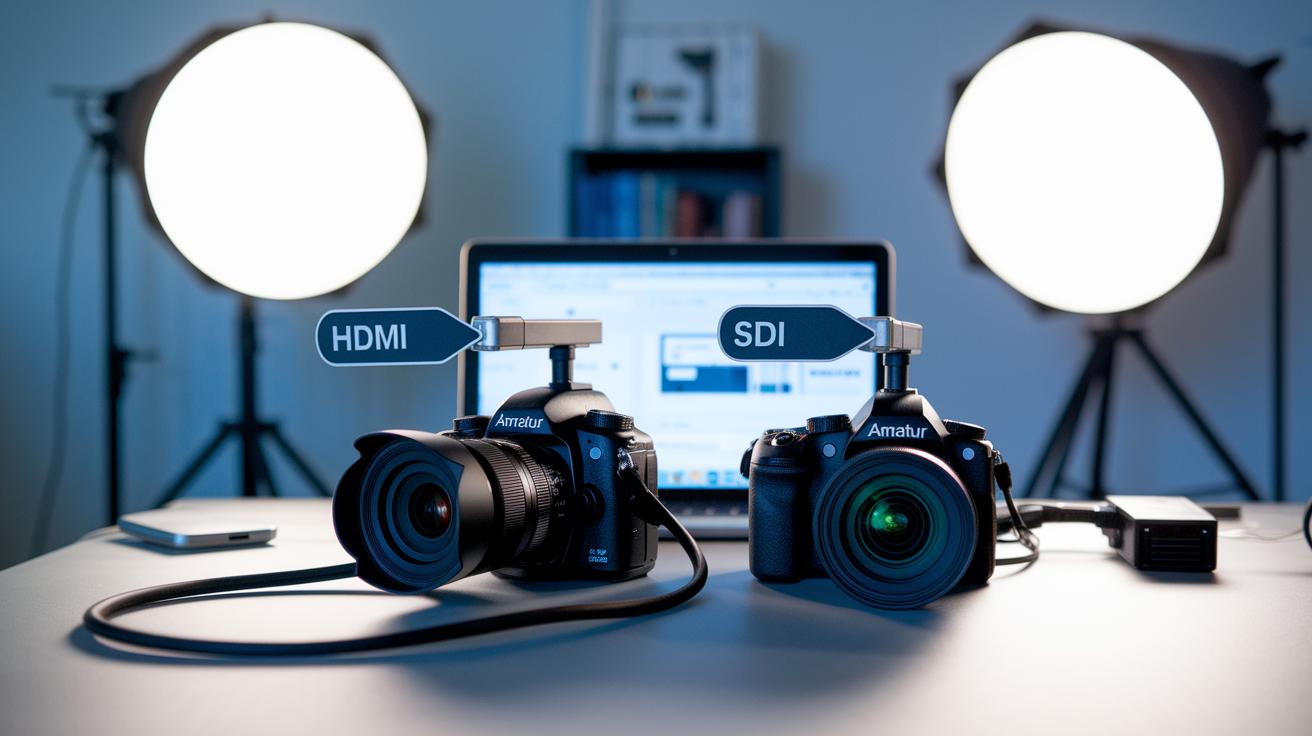
Start by plugging in your cameras with either SDI or HDMI cables. Connect them to your switcher, set up your audio mix, and assign outputs like USB-C, NDI, or LAN. Don’t forget to load your graphics overlays so you’re all set for the broadcast. For example, connect one camera with HDMI and the other with SDI, and label each cable clearly to keep things simple.
Next, run a few test recordings to catch any hiccups early on. Check for video lag, audio drift, or dropped frames. Calibration is key, tweak your color and audio levels until everything looks and sounds just right. And if something’s not working, switch to backup inputs and record locally as a safety net.
Here are some simple best practices:
| Tip | Description |
|---|---|
| Label Cables | Makes troubleshooting quick and easy. |
| Test Recordings | Helps spot errors before the live event. |
| Calibrate Levels | Keeps quality consistent in both audio and video. |
| Check Updates | Prevents technical issues by updating firmware and drivers. |
It’s also a smart move to check your owner’s manual and support documents. They can offer easy fixes and extra configuration tips. Browsing the knowledge base for common issues others have solved can also come in handy. Regular updates will keep your system running smoothly and lower the risk of mishaps during your live stream.
Keep these steps in mind so your live broadcast remains seamless and engaging, making every moment of your stream as exciting as possible.
Final Words
In the action, we broke down live streaming video switcher technology, covering hardware, software, and cloud innovations.
We touched on essential features like multiple connectivity options and smooth scene transitions.
The guide explored everything from top hardware gadgets to best practices for setup and troubleshooting.
This overview gives you a clear glimpse of what matters for a successful live broadcast using a video switcher for live streaming.
Keep that energy up and enjoy every moment of your digital production!
FAQ
Q: What is a switcher for live streaming and what does it do?
A: The switcher for live streaming is a device that selects and mixes different video feeds into one smooth, single output, making live events more engaging and professional.
Q: What distinguishes a video router from a video switcher?
A: A video switcher blends multiple video sources into a unified stream, while a video router sends signals to separate outputs across systems for broader distribution.
Q: What is the video switcher operator called?
A: The person who manages a video switcher is often called the technical director, handling live transitions and ensuring the broadcast runs smoothly.
Q: What features define a 4K video switcher for live streaming?
A: A 4K video switcher handles high-resolution inputs from various devices, providing crisp visuals and seamless transitions for a top-notch live streaming experience.
Q: What should one consider when choosing the best video switcher for live streaming?
A: The best video switchers balance ease of use with features like varied connectivity, multiple inputs/outputs, and reliable audio mixing to match your live production needs.
Q: What is an HDMI video switcher for live streaming?
A: An HDMI video switcher connects devices via HDMI cables, allowing you to switch between camera feeds and media sources quickly for consistent, high-quality live streams.
Q: What affordable options exist for a cheap video switcher for live streaming?
A: Budget-friendly options include entry-level hardware and cost-effective software solutions that offer basic switching and mixing features without compromising your live setup.
Q: What factors influence the price of a video switcher for live streaming?
A: The price depends on factors like the number of inputs, advanced features such as 4K support, built-in audio controls, and overall performance, aligning your choice with your budget.
Q: What functionalities does a live video switcher offer?
A: A live video switcher enables real-time mixing of multiple feeds, smooth scene transitions, and integrated audio control, ensuring a polished and dynamic broadcast.
Q: What does a Roland video switcher provide for live production?
A: A Roland video switcher offers reliable, professional-grade performance with robust connections and smooth scene changes, ideal for high-quality live production setups.