

Ever wonder why some live streams grab a huge crowd while others barely get noticed? Live video streaming isn’t just about hitting record, it’s about turning raw footage into an electrifying show. In this post, we dive into five cool ways to boost your live stream. Get ready to see how a few smart tweaks and a clever setup can turn your broadcast into an absolute hit.
Understanding Live Video Streaming Fundamentals
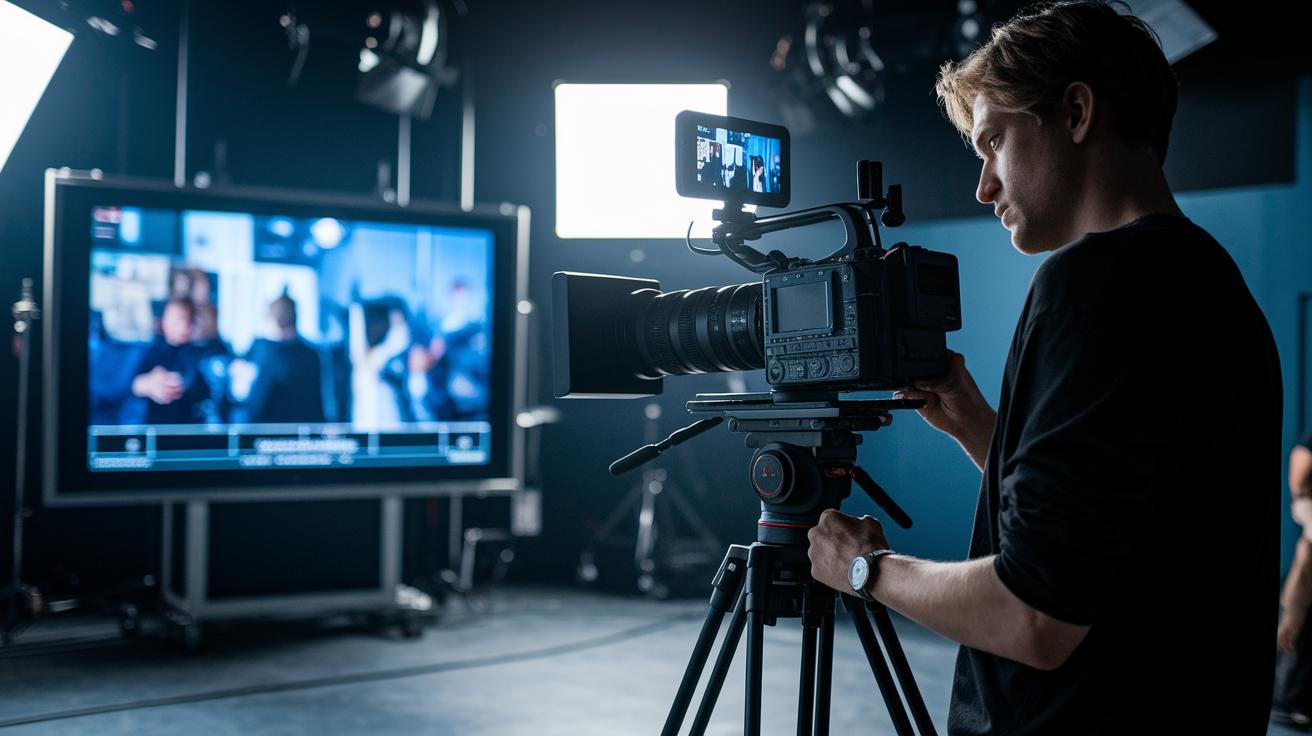
Live streaming sends video and sound over the web almost instantly, making you feel like you’re right in the middle of the action. It all begins when a camera captures raw footage, imagine a director setting up the shot, hitting record, and capturing every single detail.
Next, the video gets compressed and encoded. This means the file shrinks by removing repetitive parts of the image, much like zipping a file on your computer. You might hear about H.264, H.265, VP9, or AV1 as the encoding standards. And here’s a surprising tidbit: Before digital editing became common, broadcasters had to rely on bulky hardware to prep video clips!
After encoding, the video is split into small segments, each lasting just a few seconds. These segments are then sent to a Content Delivery Network (CDN), which is a group of servers spread across many locations. This setup helps deliver the video quickly to viewers all around the globe, almost like having a friend drop off your favorite snack just in time.
Finally, when you press play, your device decodes and decompresses these chunks. A media player in your browser or a dedicated app puts everything back together for a smooth, uninterrupted viewing experience.
This whole journey, from the initial camera capture to the smart delivery across servers and the final playback, ensures that anyone watching a live event online enjoys top-notch quality. It's this magic that sets the gold standard for digital media and live streaming platforms everywhere!
Choosing the Right Live Video Streaming Platform

Imagine an online studio that lets you stream live video like a true pro, all right in your browser. Today's platforms offer tools that mix multiple cameras, adjust colors smoothly, and even include an AI script helper to polish your lines. One creative director even set up a full live event online, complete with a teleprompter and custom visuals, to make every moment shine!
These modern services let you stream on YouTube, Facebook, LinkedIn, and Instagram at the same time. It’s like hosting a live premiere that plays on many screens around the world. Plus, you can embed a live player on your own site to keep the action right where you want it.
When checking out a streaming service, here are some key features to look for:
| Feature | Benefit |
|---|---|
| Browser-based studios | Plan and brand your events ahead of time |
| Multi-camera inputs and color fixes | Create a cinematic feel |
| AI script tools | Quickly tweak your script for a perfect flow |
| Teleprompters | Keep your sessions smooth and on beat |
Quality matters, too. Top platforms deliver video in clear formats up to 4K or even 8K HDR with Dolby Vision, so your viewers always see the best picture no matter where they are.
Pricing can range a lot. Smaller plans might include a couple of seats, plenty of storage space, AI-generated chapters, text summaries, and branded invites. Larger companies may need extra seats, more storage and bandwidth, custom permissions, single sign-on options, advanced analytics, and uptime guarantees. This variety helps you pick the perfect service whether you're crafting a creative media masterpiece or managing corporate communications.
Setting Up Your Live Video Streaming Technical Environment

Imagine setting the stage for a live show, where every detail matters. Start with the basics: a 1080p webcam, a good microphone, and a speedy internet connection (around 1 Gbps is best). These tools are like your backstage crew, making sure the broadcast goes smoothly and the audience feels the energy.
Next up, think about your encoder choices. Hardware encoders often deliver smoother, more reliable streams than their software cousins. A pro once said switching to a hardware encoder made their streams look crisper and more consistent. And hey, if you’re on the move, mobile encoder apps let you stream from your smartphone whenever that spontaneous moment hits.
Break your setup into simple, clear steps. First, securely connect your cameras and check they’re positioned perfectly. Next, adjust settings like bitrate and keyframe intervals to get that sweet spot between quality and smooth playback. And just like a soundcheck before a concert, test your network to spot any hiccups before going live.
If you’re using multiple cameras to offer different angles, make sure they’re all in sync. This switch between views can really boost the vibe, much like changing scenes during a live theater performance.
Finally, keep a close eye on your network during rehearsal streams. Watch out for any drops in signal or sudden delays using network monitoring tools. Setting up alerts for any connectivity changes can prevent those unexpected downtime moments during the big show.
Before you dive in, here's a surprising fact: even the most seasoned broadcasters sometimes stick to a simple setup until a full rehearsal reveals every little technical bump along the way.
5 live video streaming Methods Spark Success

Ever wonder how a smooth live stream comes together? First, efficient compression really cuts the clutter. By dropping extra frames you don't need (kind of like zipping up a photo before sending it), streaming systems make files smaller and speed things up. One news team even removed unnecessary background motion so viewers got the key details faster.
Adaptive bitrate streaming is another handy trick. It adjusts the video quality on the fly based on your internet speed. Before this method, many people dealt with choppy videos during busy times. Now, it keeps the stream flowing nicely even when network speeds change unexpectedly.
Breaking the video into small chunks also helps keep the experience smooth. Each tiny segment is sent continuously, making sure playback never stumbles. Modern content delivery networks even store these segments on nearby servers, which cuts down delays and eases the load on central systems.
And then there's concurrent segment delivery, which speeds up the overall process. By sending multiple segments at once, buffering during high-demand times becomes a thing of the past. Every viewer gets quick access, keeping latency super low.
Together, these five methods, from efficient compression to concurrent segment delivery, build a robust streaming experience that delivers top-quality visuals with hardly any delay. Enjoy the best live performance every time!
Audience Engagement Techniques in Live Video Streaming

Live video streaming isn’t just about broadcasting; it’s about creating a buzzing, real-time chat with your audience. Platforms now let you use interactive spots where viewers get to use personalized GIFs, hand raises, polls, Q&As, and even breakout rooms. Try this fun tip: during a live demo, pop up a quick poll asking which scene got them the most excited. The responses light up your screen like sparks at a concert!
A cool feature behind the scenes is the built-in analytics. These clever tools keep track of things like chat volume and viewer participation, giving you a backstage pass into what really grabs your audience’s attention. And don’t worry about derailing your vibe, a set of chat moderation tools helps you keep the conversation friendly and focused.
There are extra treats too, like third-party widgets that boost engagement even further. For example, a widget similar to Slido can let viewers send in their questions anonymously, making your Q&A sessions even more lively.
On-demand replay options are another neat trick. They let you recycle your live content, so even after the show ends, your audience can come back and enjoy the magic again.
- Real-time participation tools
- Chat moderation for quality interaction
- Metrics tracking to measure engagement
- Replay features to extend content lifespan
Securing and Monetizing Live Video Streams

Streaming securely is key when you want to make money from your shows. Keeping your stream safe opens up a world of earning opportunities.
Today’s streaming services use super strong access controls – think custom permissions and easy logins – so trusted users handle your broadcast. I once heard a broadcaster say, "Their round-the-clock help and personal account managers turned a tricky compliance issue into a breeze!"
Digital rights management keeps your creative work locked down, and with solid stream encryption and secure systems, your data stays safe during those all-important live moments. It’s like having backstage security that lets you shine on stage.
Smart monetization brings in multiple revenue streams. You can offer monthly subscriptions for VIP access, charge on a pay-as-you-go basis for special events, and even feature ad spots that feel like a natural part of your show.
- Subscription plans for a steady income
- Pay-per-view for one-time events
- Ad spots that match your brand vibe
For bigger gigs, enterprise plans guarantee smooth, uninterrupted broadcasts, even when the crowd surges. With rock-solid security and clever monetization strategies, your live streams can truly become a profitable venture.
Live Streaming Production: Case Studies and Practical Tips

Alice starts her live stream using her smartphone, instantly connecting with viewers via a nearby CDN. It’s a neat reminder that many creators once relied only on their phones to break through the noise.
Remember Twitch back in 2011? They quickly attracted over 3 million monthly users by using smart streaming tech and easy-to-read analytics dashboards to turn live shows into videos that still capture fans' attention.
Producers say that choosing the right gear makes all the difference. Reviews from pros show that a mix of top-quality devices and smart monitoring tools can handle growing audiences and keep every broadcast smooth.
- Smartphone streaming with low latency
- CDN support for high viewer volumes
- Analytics for repurposing broadcasts
- Equipment reviews for production insight
Final Words
In the action, we explored the nuts and bolts of live video streaming, how audio and visual data travel from cameras to screens. We broke down setting up tech gear, boosting quality, engaging viewers, and even making money from broadcasts. Each part tied back to real-world scenarios that made the complex process feel clear and relatable. It's all about making your online event an experience that connects, engages, and excites everyone watching. Enjoy stepping into your next live broadcast with confidence!
FAQ
Live video streaming free
The term “live video streaming free” means broadcasting video content online at no cost, often using platforms that offer basic features for real-time streaming.
Live stream free
Live stream free means accessing or using services that let you stream video live without any fees, ideal for casual users or small-scale events.
Live video streaming app
Live video streaming app refers to a mobile or web application that enables you to broadcast live video, offering features like real-time interaction and simple controls.
Live streaming match
Live streaming match means viewing a sports or competitive event through a live broadcast online, letting fans enjoy the action in real time.
Live streaming websites
Live streaming websites are online platforms where you can watch or host live broadcasts, covering everything from news to sports and entertainment events.
Live stream
Live stream refers to the process of broadcasting video content as it happens, capturing an event in real time and delivering it to viewers with minimal delay.
TV free
TV free signifies enjoying video content without traditional cable fees, often through digital platforms that offer free, web-based live broadcasts.
Best free live streaming
Best free live streaming highlights top platforms that deliver high-quality live broadcasts for no cost, balancing user-friendly interfaces with reliable service.
Live streaming today
Live streaming today focuses on the newest trends and platforms for broadcasting video in real time, offering up-to-date features and seamless viewer engagement.
How can I stream video live? How to live stream video for free?
How to stream video live involves capturing your content, encoding it, and broadcasting through an online service, with several free options available for budget-friendly streaming.
Which site is best for live streaming?
Which site is best for live streaming depends on features, ease of use, and reliability, so select a platform that matches your technical needs and audience interaction goals.
What is the difference between live and live streaming?
What is the difference between live and live streaming explains that while both deliver real-time content, live streaming specifically uses the internet to broadcast and engage viewers interactively.