
Ever wonder why analog video keeps drawing in retro tech fans? Even with digital everywhere, there's a magic to analog that feels like a live performance. Every quick flash of light brings a burst of life and warmth, kind of like catching a live show under glowing stage lights.
Imagine a painter’s smooth brush stroke coming to life on your screen. The scenes feel raw and real, with a charm that digital just can’t capture. We’re diving into systems like NTSC, PAL, and SECAM here. Each one lends a unique, flowing vibe to every frame, quietly sparking creative energy.
Stick with us and you’ll see why this timeless tech still thrills and amazes.
Understanding How Analog Video Works
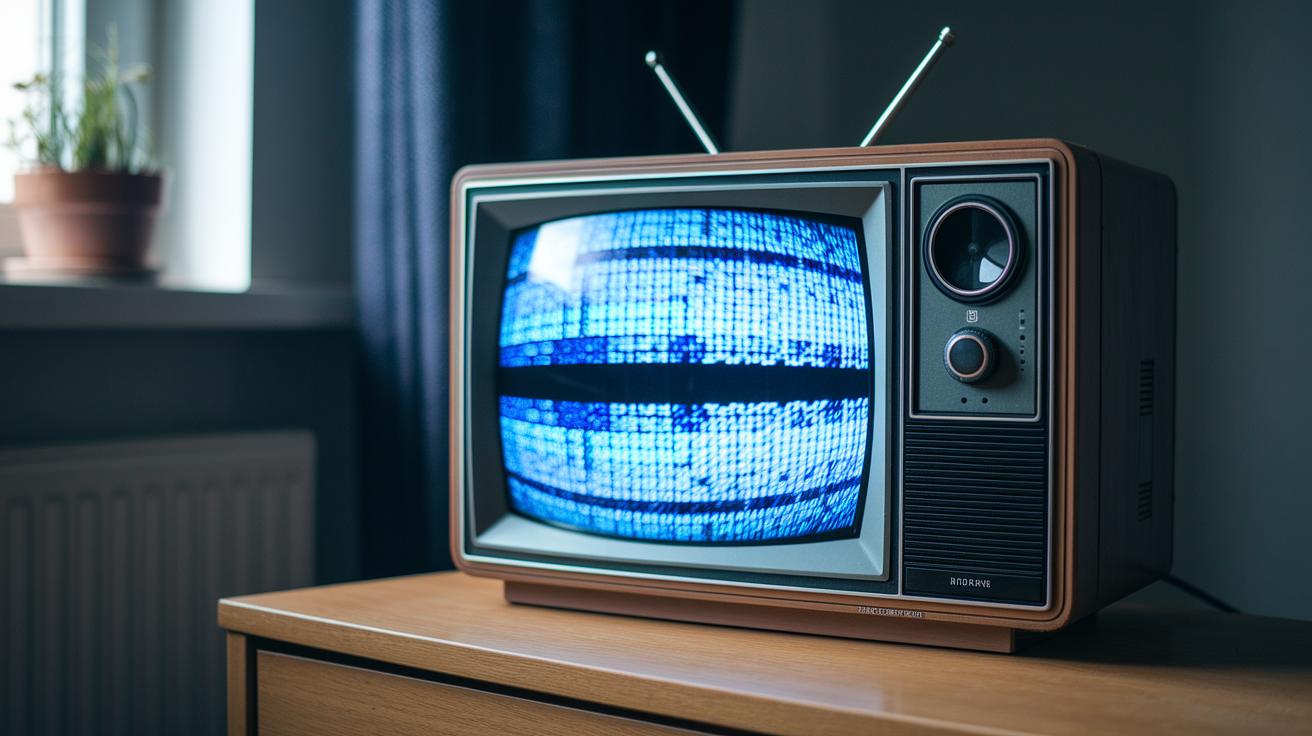
Analog video is like watching a live performance where every flicker of light tells a story. Instead of tiny pixels, it uses a flowing electrical signal that sweeps across the screen like an artist's continuous brush stroke, adding rich, dynamic detail to each moment.
In systems like NTSC, the picture is split into two parts or fields. One field covers the first half of the lines, and the other takes care of the rest. This interlaced scanning refreshes the image about 60 times a second, creating smooth motion that really feels alive, unlike the whole-frame method of modern computer displays that can sometimes feel a bit too static.
Different regions, like the US and Japan with NTSC, or Europe with PAL or SECAM, use their own technical setups to deliver that classic analog charm. The beauty of it all is in that continuous, fluid signal which gives every scene an unmistakable warmth and energy that digital just can’t replicate.
The History and Evolution of Analog Video Standards

Back in the day, television started simple, showing only black and white. Can you imagine? Those early sets only offered shades of gray yet still managed to grab viewers’ attention. Then, out of nowhere, color TV exploded onto the scene during the mid-1900s. In 1953, NTSC made its debut in the US and Japan. This system used 525 lines and refreshed almost 60 times a second, all thanks to a special color subcarrier at 3.579545 MHz, a bit like adding a secret ingredient to a classic recipe.
Over in Europe, things took a slightly different turn. In the early 1960s, broadcasters rolled out PAL, which showed 625 lines at a smooth 50 Hz. Its color subcarrier came in at 4.43362 MHz. Both systems brought a fresh, if somewhat different, viewing flavor. And then there was France, where SECAM emerged with its own twist on processing color.
These breakthroughs were game changers. They turned plain moving pictures into buzzing, colorful experiences that felt almost alive. Think about it, imagine a flickering black-and-white test pattern in the 1950s, hinting at a future filled with vibrant hues.
The journey from simple black and white to full-blown color didn’t just change TV; it paved the way for future tech like video compression and digital formats. It’s a cool reminder of how analog video standards still hold a special place in the history of tech evolution.
Analog Video Interfaces and Connector Types

Analog video connectors each bring their own twist to handling signals. For example, composite video bundles brightness, color, and sync signals into one simple cable. It’s like an all-in-one deal that even beginners can set up, just plug in the RCA cable and enjoy the show. Sometimes, however, mixing these signals can blur the finer details.
Y/C, often called S-video, steps up the game by separating brightness from color. This clear split means a crisper picture with less interference. Think of it like sorting a mixed-up bag of candies where every flavor stands out. A four-pin mini-DIN connector is the go-to for this method, making it a breeze for many classic devices.
Component video, also known as YPbPr, takes it even further by using three separate RCA plugs. Each cable handles its own part of the video signal, so you get quality that’s almost native. It’s like having specialized tools for each part of the job, which really brings out the details in every scene.
Computer RGB setups play by a different set of rules. They use a 15-pin D-sub connector, complete with separate horizontal and vertical sync signals. Some configurations even mix the sync with the green signal, known as sync-on-green. This method is a favorite in retro computing and broadcasting circles, thanks to its clarity and dependability.
Here's a quick overview in table form:
| Interface | Signal Method | Connector Type |
|---|---|---|
| Composite Video | Combined brightness, color, and sync | RCA jack |
| Y/C (S-video) | Separated brightness and color | 4-pin mini-DIN |
| Component Video (YPbPr) | Three separate signal cables | Three RCA cables |
Every connector type packs its own style, making analog video a timeless, beloved part of retro tech.
Analog vs. Digital Video: Key Technical Differences

Digital video works by taking lots of quick snapshots of a smooth flowing signal. Imagine watching a movie online, each tiny picture comes together to create a lively stream of digital frames. It's like catching moments of a live show, one after another.
On the flip side, analog video stays true to a continuous wave. Think about listening to your favorite band play live where every beat and note sweeps over you in real time. It’s all about that seamless, uninterrupted vibe.
When we talk about digital formats like RGB and YCbCr, they line up with analog signals like YPbPr. This matching helps us understand how the two worlds connect. And when hooking up your devices, not all connections are equal. For example, a component connection usually shows more clarity than an S-video connection, which in turn is better than composite video. Picture it like the difference between casual snapshots from your phone and a high-quality concert photograph.
Digital video often uses compression methods like H.264 and MPEG-2 to make files smaller. This process trims down unnecessary noise and ghosting effects, giving you a cleaner look. But, just like a perfectly set stage might have an occasional hiccup, these techniques can sometimes introduce little glitches known as compression artifacts.
Analog video, meanwhile, delivers a continuous flow that many people love for its classic charm. While it doesn’t suffer from the digital glitches, it might sometimes miss out on the sharp details that modern digital processing can provide.
Essential Analog Video Capture and Playback Equipment
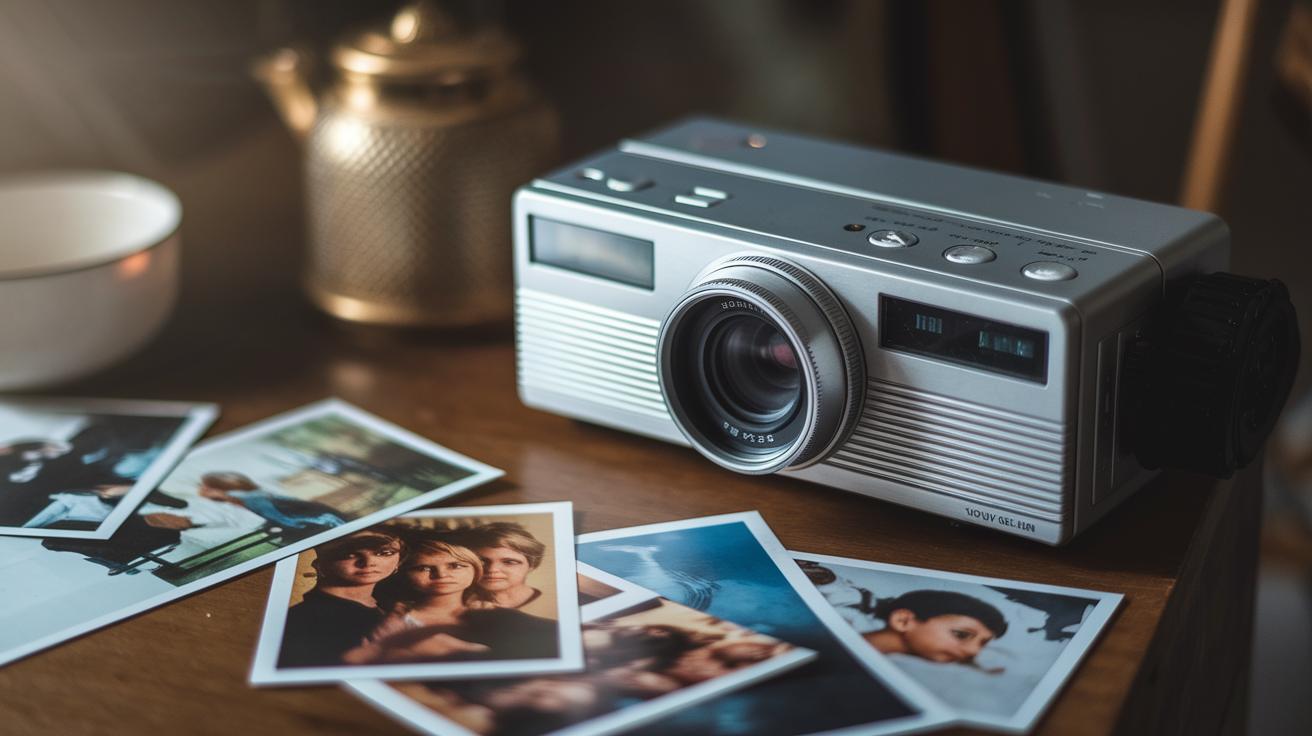
There's something magical about old-school analog video gear that keeps our fond memories alive. Think of classic VHS and Betacam camcorders capturing family moments with that warm, nostalgic vibe. Imagine recording a family reunion on an old VHS camcorder, where every grainy frame whispers stories from the past, inviting you to relive each precious moment.
These camcorders and trusty VCR decks create a sense of genuine, heartfelt storytelling. They capture moments that feel raw and real, almost like a little piece of history preserved on tape.
When it comes to security and cherishing legacy footage, CCTV surveillance cameras deliver dependable performance. Their tough, durable design is perfect for long-term recording, effortlessly capturing everyday actions. And let’s not forget playback hardware like CRT broadcast monitors, they still have a special charm that brings back memories of simpler times when technology had its own unique sparkle.
As new tech arrived, analog-to-digital converter boxes and USB capture cards made their debut, blending the best of both worlds. These nifty gadgets bridge the gap between our beloved analog signals and today’s digital storage, keeping your classic footage safe and ready to share. It’s like taking your favorite vinyl record and turning it into a modern playlist without losing any of the heart.
Your setup isn’t complete without the right cables. RCA and BNC cables are the go-to choices for connecting cameras to monitors, offering options like composite, component, and S-video connections. Each type adds a unique touch, ensuring your collection can adapt easily to different devices and settings. This blend of retro charm and modern convenience shows how legacy content can shine in our digital age.
analog video: Timeless Charm in Retro Tech
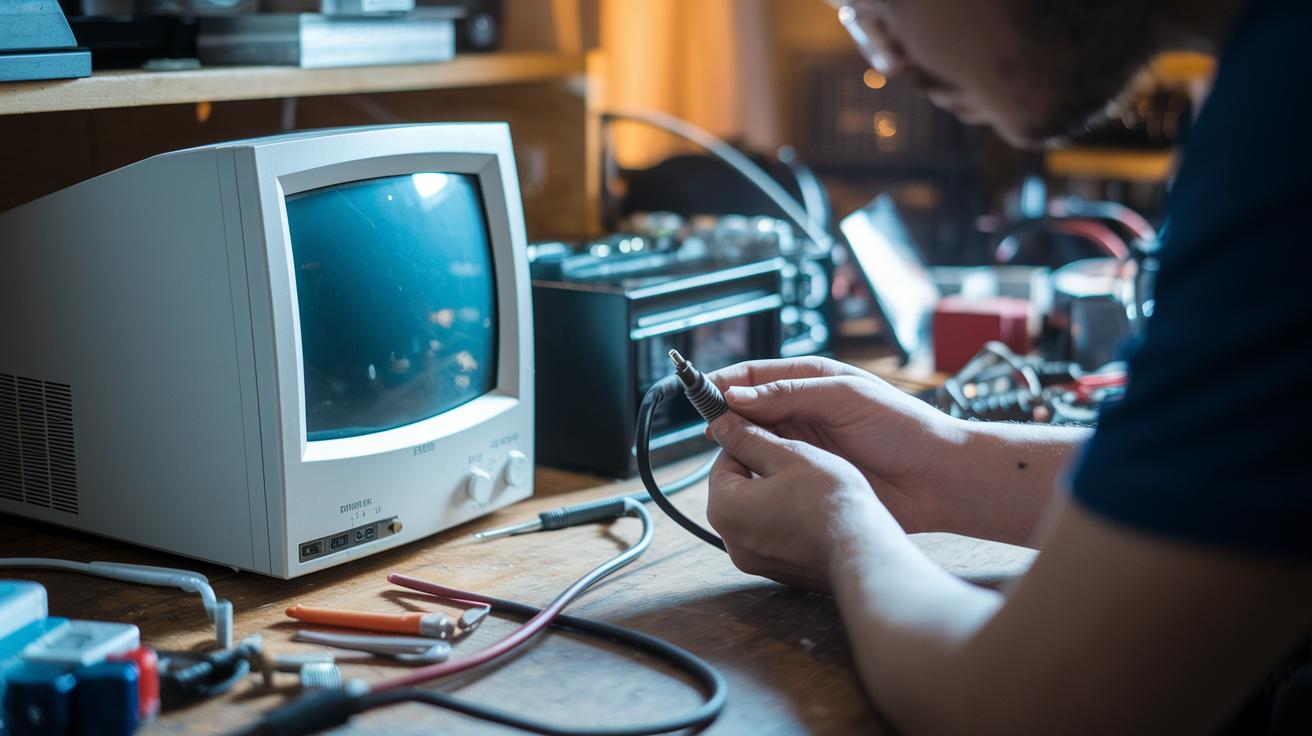
Getting a vintage analog video setup up and running is all about simple wiring and fine-tuning. First, hook your camera to a monitor using trusty BNC cables. These cables work great because they send a steady signal, and when paired with a proper 75 ohm termination, your system keeps working as it should. Next, adjust the gain and sync levels to match your gear. Doing so makes sure your display shows a smooth, clear picture with that classic analog warmth.
Older analog CCTV or surveillance systems often come with a few hiccups. You might notice signal noise, ghosting, or even some color bleed that can mess up your view. Before you call for help, check the cables and grounding. Often, an old or loose cable is the sneaky cause of these glitches. And if ghosting appears, try tweaking the impedance or giving the connectors a little clean. A bit of routine care goes a long way in keeping your retro tech charming.
For a quick fix, take another look at the wiring. Even small changes like making sure every connector is snug or re-adjusting the sync levels can make a huge difference. With analog systems, these little tweaks can bring back that bright, vibrant picture you love.
| Issue | What to Do |
|---|---|
| Signal Noise | Check cables and clean any aged connectors |
| Ghosting | Adjust gain settings and confirm good grounding |
| Color Bleed | Review impedance settings and swap old cables |
| Flickering Image | Reconfigure sync levels and secure loose connections |
| Loss of Signal | Ensure a proper 75 ohm termination and check all fittings |
Staying on top of these simple checks lets you enjoy the unique charm of analog video every day.
Converting Analog Signals to Digital Formats
Digitizing old footage means keeping those classic moments fresh for today's viewers. It all starts by picking the right settings, like the sampling rate and quantization depth, to capture every soft detail and smooth transition from the original signal. Fun fact: before digital capture took off, filmmakers used to adjust film reels by hand, noting each frame with care. That kind of attention is what makes the conversion process truly special.
The hardware you choose plays a huge role in preserving that vintage charm. Think of devices like external scaler boxes or capture cards with HDMI or SDI outputs as the heroes of this setup. They catch a continuous analog signal and turn it into digital data without losing the magical feel of the original film. It’s a bit like using a fancy camera today to capture every lively moment.
Then there’s the software, which works closely with your hardware. Programs like OBS and other digitizer apps let you fine-tune everything during the capture process. They handle key settings, such as adjusting brightness and contrast, much in the same way you might carefully focus an old camera lens to brighten a faded picture. Every small tweak helps bring those cherished memories back to vibrant life.
Once you’ve converted your footage, the next step is choosing the perfect file format. Many folks go for MP4 with H.264 compression since it strikes a neat balance between quality and file size. Others might pick AVI for lossless storage where every tiny detail is preserved. By balancing great hardware with smart software, you can transform old analog footage into a digital format that keeps its timeless feel while shining on modern screens.
Preserving and Editing Archived Analog Footage
When you're safeguarding vintage media, think of it like treasuring a rare family photo. Keep your tapes in a cool, dry room so they don’t lose their magic. It’s just like handling an old photo album, everything stays as perfect as you remember.
Restoration is when old footage bursts back to life. Start by reducing the static noise, brighten up any faded colors, and steady any shaky shots. Each step is like tuning up an old car, every smooth adjustment brings back a little more of its original charm.
Editing plays a key role too. Use easy-to-handle, non-linear editing systems that can work with older formats. This way, you can shuffle scenes around and polish them up while keeping the authentic feel intact. Imagine putting together a puzzle where every piece fits perfectly to tell a full, heartfelt story.
Don’t forget to label your work. Adding metadata, details like the date and any fixes you made, ensures these treasures can be enjoyed for many years. It's just a bit of extra care, like jotting down notes in an old diary, so every important moment is remembered.
By blending careful storage, modern restoration tricks, and thoughtful editing, you're not just saving old footage, you're celebrating a piece of history. Each refreshed clip is a nod to the beauty of analog media, ready to charm today’s audience without losing a bit of its timeless magic.
Final Words
In the action, we explored how analog video forms moving images through continuous electrical signals and various scanning methods. We traced its colorful evolution, from classic formats to modern interfaces like composite and component. We even got hands-on with troubleshooting legacy systems and converting old signals for today’s screens. Every step reminds us why analog video still sparks excitement among entertainment fans and tech buffs alike. It’s a tale of innovation that continues to shine bright.
FAQ
What is an analog video camera?
The analog video camera records moving images using a continuous electrical signal that mirrors changes in light and color, commonly seen in older broadcast systems and classic video setups.
What are some analog video examples?
The analog video examples include VHS players, vintage camcorders, and CRT televisions, each using a continuous signal to display images in a classic, time-honored style.
What is the difference between analog and digital video?
The difference between analog and digital video lies in signal method; analog uses an uninterrupted waveform while digital breaks the image into individual data samples for easier processing and storage.
What is an analog video signal and what are its types?
The analog video signal is a continuous electrical waveform that represents brightness and color. Its types include composite, which combines signals; S-video, which separates them; and component video, which offers clearer quality.
What is an analog video game?
The analog video game refers to early gaming systems that output continuous signals, providing graphics similar to broadcast television and offering a classic, retro gaming experience.
What is an analog video converter?
The analog video converter transforms a continuous analog signal into a digital format, allowing older content to be viewed on modern screens without losing important visual details.
What is an analog video cable?
The analog video cable transmits continuous signals between devices using connectors like RCA or BNC, helping maintain the original picture and sound quality of analog content.
Is VHS considered an analog video?
The VHS is considered an analog video format because it records video as continuous magnetic signals on tape, making it a hallmark of home video recording before digital formats emerged.
Is analog video still used today?
Analog video is still used today in legacy systems, archival projects, and specialized applications where its continuous nature suits environments that need the classic quality of older media.