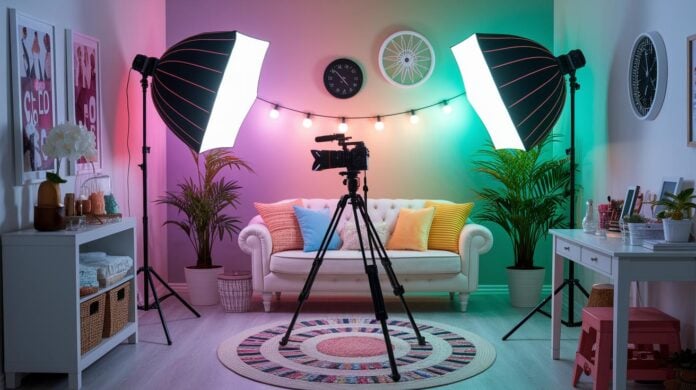

Have you ever thought your living room might be the perfect spot for a pro studio? It’s easier than you’d imagine to turn your home into a creative hotspot. With a few smart choices and a simple plan, you can elevate your videos without spending a fortune.
Picture this: natural light filling the room, and carefully chosen gear that fits right with your style and budget. This guide is your step-by-step blueprint for setting up a cool home video studio, a blend of creative flair and practical tips for creating videos that truly stand out.
Home Video Studio Setup: A Complete Blueprint
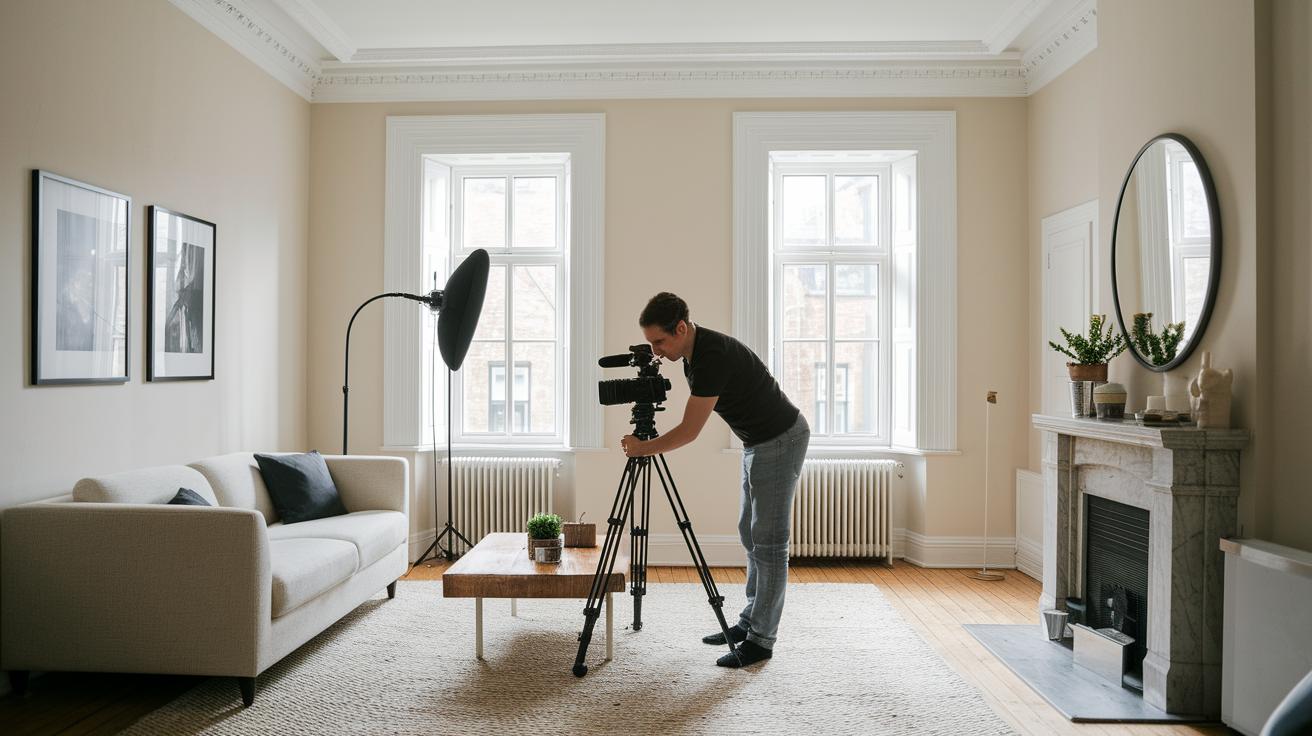
Start with a clear plan. Decide on the topic of your video and jot down a few ideas, even a rough script. Fun fact: before you hit record, note down clever ideas to keep your shots fresh! This step helps shape the vibe of your video and makes sure your message comes through clearly.
Then, choose the best spot in your home for filming. It could be a dedicated room or even a lively living room or garage. Look for lots of natural light and a quiet background free of distractions. Neutral wall colors like white, black, or gray can really boost your studio's look. And if you’re filming in a space that does double duty, keeping the current décor can work perfectly if it fits your style.
After that, pick a backdrop that suits your shot. If you need inspiration, over 100 free backdrop photos are available online. Plan your set by considering both the background and what’s in the front. Add touches that show off your brand without stealing the spotlight.
Now it’s time to gather your gear. Make sure you have your camera, lens, tripod, and microphone, plus a desk and chair if needed. Budget-friendly tools like an external webcam or even your smartphone work great with USB mics. For extra-perfect audio, consider an XLR mic. The best part? You can assemble a complete setup for under $1,000. If you’re curious about other gear tips, check out video production equipment for more insights.
Camera and Audio Essentials for Your Home Video Studio
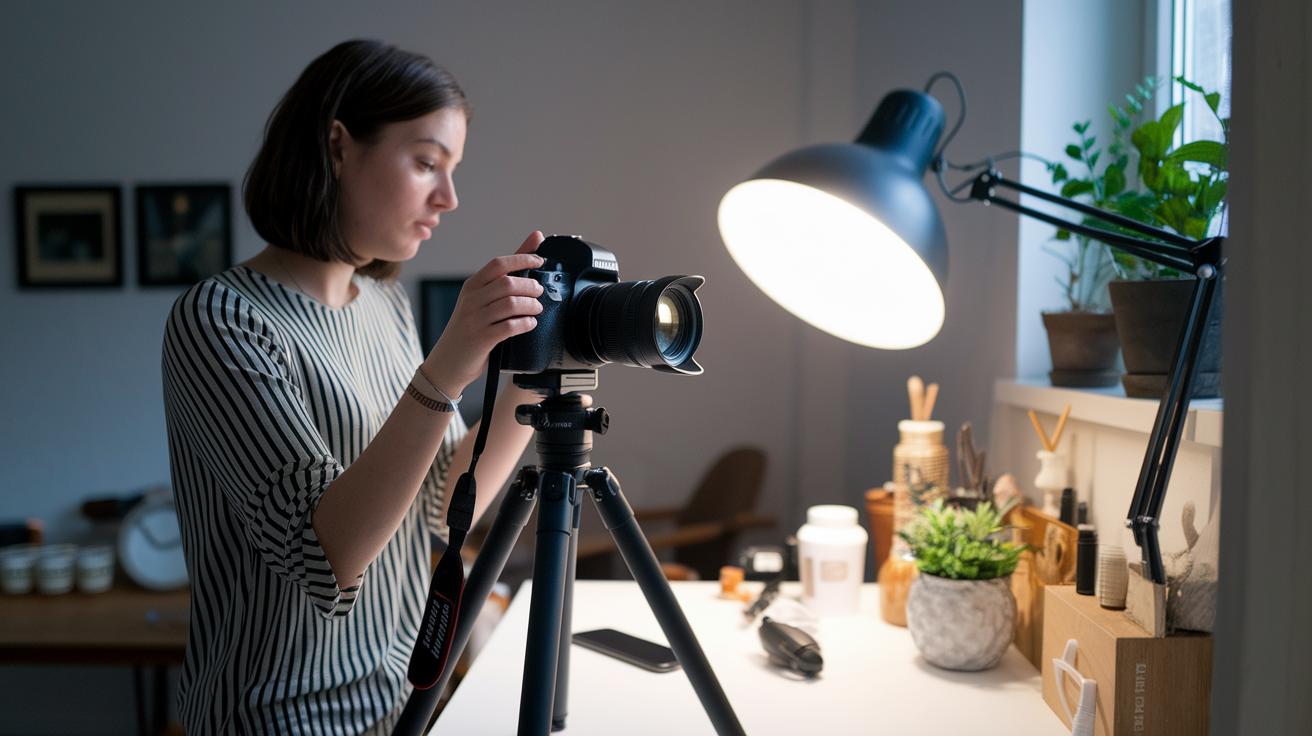
Want to set up a home video studio without emptying your wallet? Start simple. You might grab an external webcam or even use your smartphone. Both options offer sharp visuals without costing a fortune. If you're looking to up your game, an entry-level DSLR can be a smart mid-way choice. It gives you better light sensitivity and more control over your shots, without the high price.
Sound matters just as much as the picture. USB microphones are fantastic if you're just starting because they’re easy to use, just plug them in and record. But if you crave studio-quality audio, an XLR mic paired with an audio interface is the way to go, even if it costs a bit more. And while recording, a good set of headphones helps you catch any hiccups in sound clarity in real time.
Accessories make a big difference too. A solid camera tripod keeps your video smooth and stable, while a reliable mic stand or boom arm stops stray noises from ruining your take. Even a little pop filter can work wonders in cutting out unwanted sound pops, moving your recordings a step closer to professional quality.
Key gear components include:
- External Webcam – budget-friendly and quick to set up.
- Smartphone Camera – high resolution with great flexibility for casual shoots.
- Entry-Level DSLR – more control over settings and image quality.
- USB Microphone – simple plug-and-play option for beginners.
- XLR Microphone with Audio Interface – delivers crisp, studio-level sound.
- Camera Tripod – essential for keeping your shots steady.
- Mic Stand/Boom Arm with Pop Filter – offers adjustable audio capture and top-notch clarity.
In the end, matching your equipment with your creative vision means smooth filming sessions and eye-catching content without splurging. Happy filming!
Lighting Essentials for a Professional Home Video Studio

Imagine your studio lighting as that secret sauce that turns a good video into a showstopper. A classic three-point setup can work wonders. Start with a key light placed about 30° from your subject to bring out natural highlights. Then add a fill light to gently soften shadows and finish with a backlight that clearly separates your subject from the background. Try positioning your key light just off-center, like a subtle spotlight that makes your subject really stand out.
When it comes to choosing your lighting gear, affordable LED panels can be real lifesavers. They give you smooth and even light without the high price tag that professional gear usually carries. If you love a warm, cozy tone, experiment with tungsten lights. For a cooler and more natural look, daylight-balanced options are the way to go. Experts often recommend starting simple and then tweaking your setup gradually, much like fine-tuning your favorite song.
Picture this: setting up your lights is like an artist mixing a perfect palette of colors. Each light plays its own part, working together to create a stunning scene. Testing different angles can uncover that perfect, flattering glow. Sometimes just a small change makes your video shine like a red-carpet premiere.
Acoustic Treatment and Soundproofing Strategies for Your Home Video Studio

Reducing Exterior Noise – Soundproofing
Ever feel like outside noise is crashing your creative vibe? Start by sealing off any gaps around your doors and windows. Adding weatherstripping and door seals works wonders at keeping the noisy world out. You might even try a DIY window plug, think of it as a cozy sound-blocking pillow for your frame, made with foam or another inexpensive barrier. These simple tweaks create a quiet space that lets your video studio stay focused on what really matters.
Eliminating Echo – Sound Dampening
Echoes can steal the clarity from your recordings, so it’s time to bring in some sound-dampening magic. Try hanging up DIY acoustic panels, whether made from professional foam or things you already have at home, to soak up those unwanted reverberations. Surrounding your recording area with heavy fabrics like blankets or pillows can also cut down on bouncing sounds. Rearranging your furniture, placing soft couches or even a bookshelf strategically, can further help smooth out any harsh echoes. For instance, a thick curtain draped near your filming spot can create a calmer, cleaner audio track. Mix and match these ideas based on your room’s layout and budget until you discover the perfect balance for crystal-clear sound.
Designing Your Home Video Studio Layout and Backdrop Selection
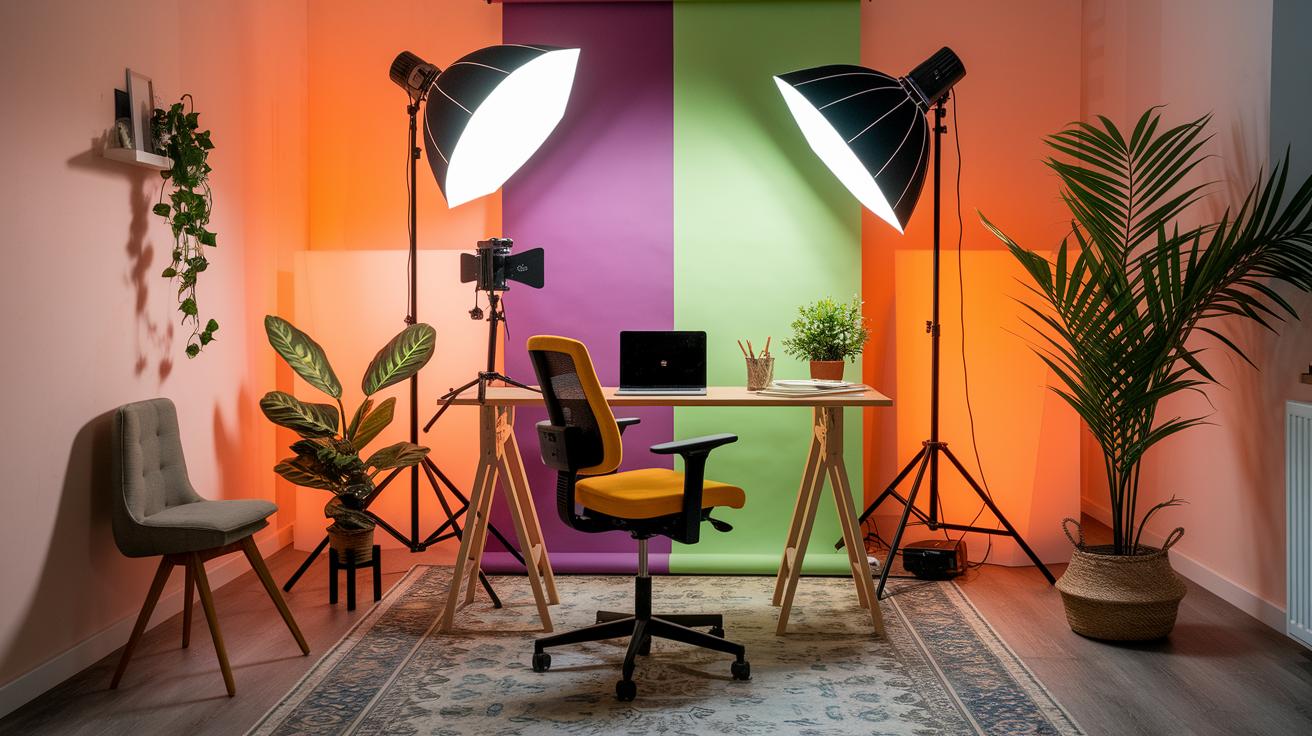
When planning your studio, think about a layout that adapts to whatever you need in the moment. Whether you're setting up in a room just for filming or sharing a space that doubles as a creative hangout, consider ways to easily change up the setup, kind of like a mini backstage transition. A little experiment early on can really show you how a few tweaks can completely shift the vibe.
The color of your walls is a big deal too. Neutral colors like white, black, or gray can set a clean, professional stage without stealing attention from your content. For instance, white walls bounce light evenly, giving you a crisp backdrop that's perfect for DIY setups and keeps things modern.
Crafting a distinct visual brand is all about the details. Think about creating custom backdrops using cloth rolls, paper, or even greenscreens if you're excited about mixing in digital effects later. A smart trick is to choose a backdrop that fits the mood of your videos, picture a smooth roll of paper that instantly lifts your set without costing a fortune.
Don't forget about the little extras in the foreground. A clever desk, some eye-catching props, or even a splash of branded style can add the perfect finishing touch, making your recordings feel more layered and vibrant.
- Find a space that doubles as both your filming area and your creative zone.
- Pick wall colors that highlight your lighting and keep the focus on your subject.
- Try out different DIY backdrop materials to see what fits best with your style.
- Add a few branded touches up front to boost your overall look.
Ergonomic Furniture and Editing Station Configuration in Your Home Video Studio
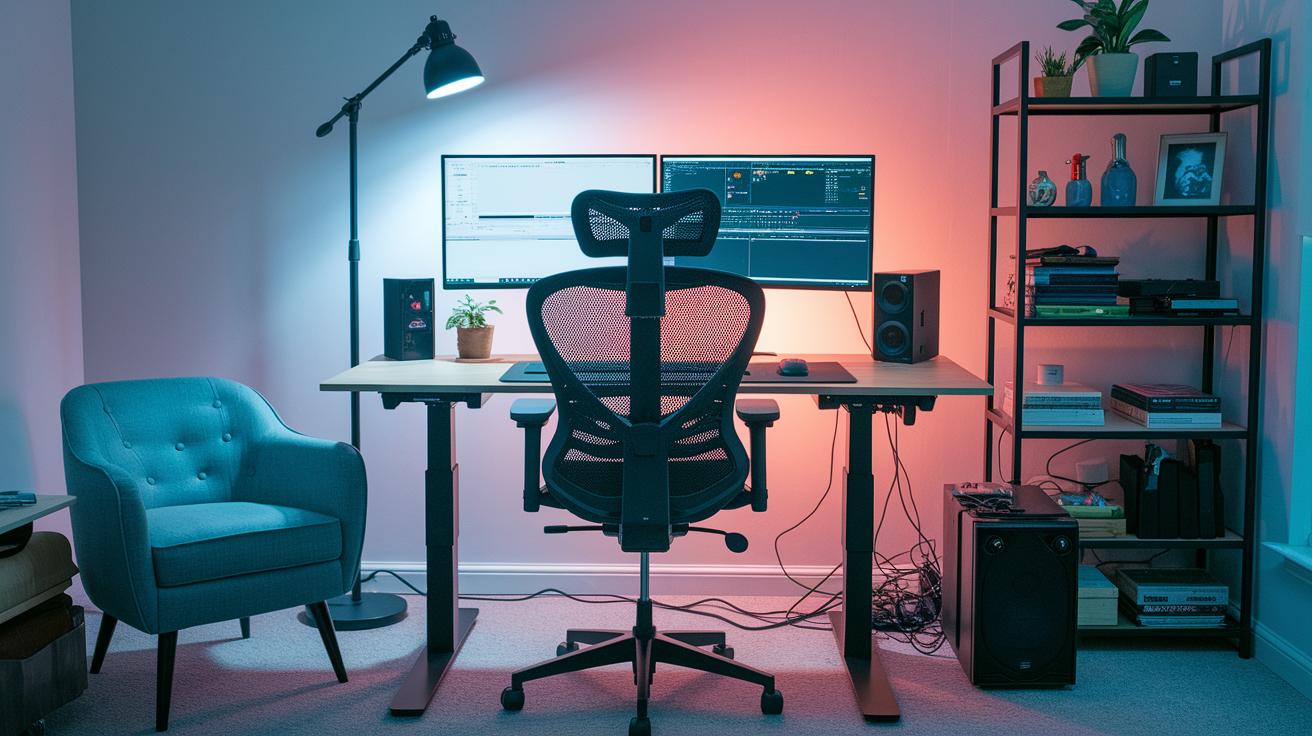
Creating a comfortable editing space is a total game changer, especially when long sessions are on the agenda. Start with a supportive chair that keeps your back and neck properly aligned, so you don’t feel the strain after hours at your desk.
A desk that lets you switch between sitting and standing is a real lifesaver. It helps you stay alert and fresh, much like a quick stretch between scenes in a backstage moment.
Then, think about your layout. Placing your monitor and speakers in the right spots not only amps up your audio and video work but also gives your setup a sleek, organized look. Having a clear line of sight between your camera and display is key, especially when you’re keeping an eye on live feeds.
Here are some must-have tips to design your editing station:
- Ergonomic Chair – Built for long sessions, offering steady support and comfort.
- Height-Adjustable Desk – Lets you switch easily between sitting and standing to match your mood.
- Monitor and Speaker Placement – Positions everything for clear visibility and crisp sound.
- Cable Management Solutions – Keeps your area neat and free from distractions.
- Storage and Desk Dimensions – Provides plenty of room for your gear while keeping things tidy.
Paying attention to every detail, from your furniture choices to cable routing, turns your editing station into a small but powerful workspace that helps you dodge fatigue and keeps your creative vibes alive.
Testing, Workflow Optimization, and Final Production Checklist for Your Home Video Studio
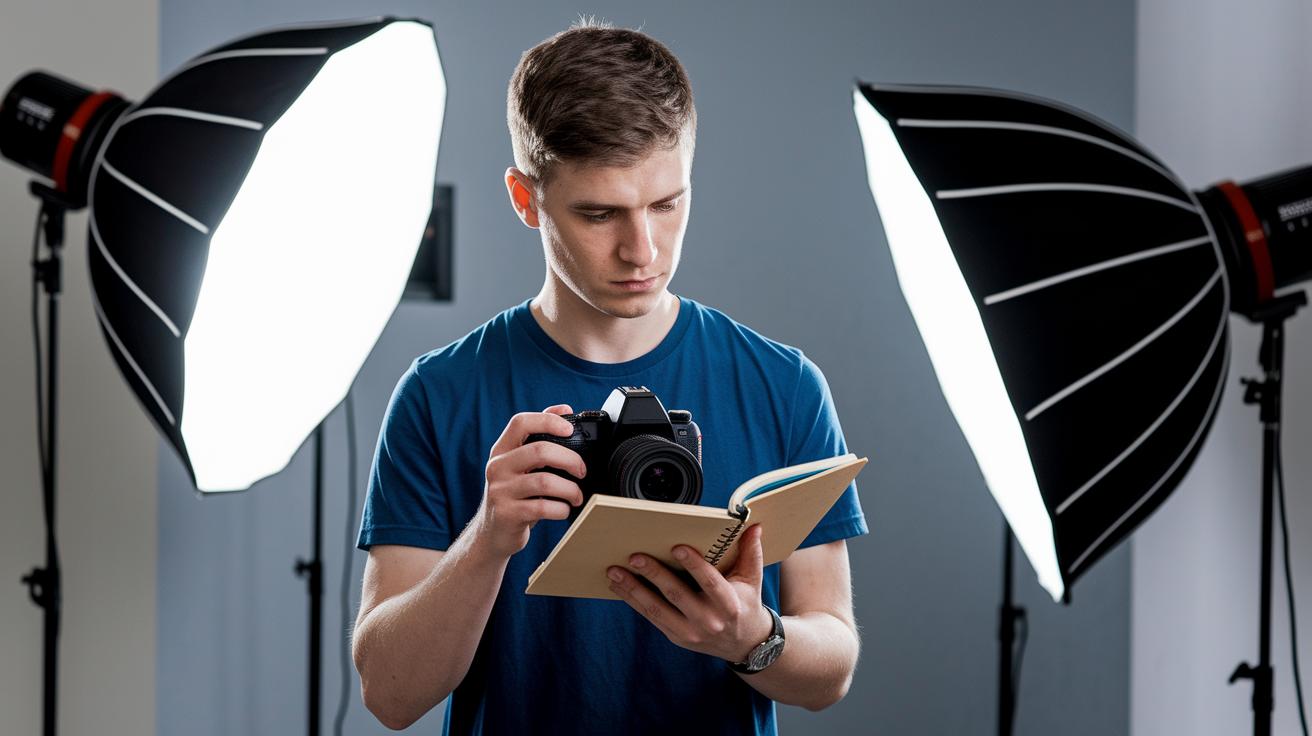
Start your shoot with a few test clips to get the lighting, sound, and framing just right. Before you record your big take, do a quick run-through to see how everything looks and sounds. Adjust until the colors pop and the sound feels rich.
Think of this step like a dress rehearsal before the main event. Grab your cheat sheets or any handy guide to keep things consistent, and note down your settings for a speedy setup in the future. It’s a simple trick that saves you time and spares you extra takes.
Keep your filming day smooth with a solid, streamlined workflow. When everything flows from testing to the final cut, you can focus on the fun part, capturing great moments. Here are some must-check details before you start rolling:
| Check | What to Do |
|---|---|
| Camera Settings | Dial in focus, exposure, and resolution. |
| Audio Levels | Keep an ear out for any sound issues. |
| Lighting Positions | Ensure every angle gets even, flattering light. |
| Backdrop Alignment | Double-check that your background looks clean and consistent. |
| Workspace Tidiness | Maintain a neat area free of distractions. |
That’s it, each tip helps you get one step closer to a perfect production day. Enjoy the process and let your creativity shine!
Final Words
In the action, we walked through setting up your very own home video studio. We covered essential gear, perfect lighting tricks, and smart soundproofing tips to make your space work. Small touches like ergonomic furniture and a tidy editing station make a huge difference. Test your setup, fine-tune your settings, and enjoy every moment behind the camera. A well-planned home video studio brings creative energy and positive vibes to every shoot. Enjoy the magic of capturing your best content!
FAQ
Q: What home video studio equipment is needed for a professional setup?
A: The home video studio equipment needed includes a quality camera or smartphone, lens, tripod, audio gear like a microphone, and proper lighting to capture clear videos.
Q: How do I start making home videos?
A: The process of starting home videos involves planning your content, choosing a simple recording space, and picking user-friendly equipment such as a smartphone or an entry-level camera with audio tools.
Q: How much does VideoStudio cost and what about converting home videos to digital?
A: The cost of VideoStudio depends on the version and available offers, while converting home videos to digital can vary based on whether you use DIY methods or professional conversion services.
Q: Is VideoStudio free?
A: The VideoStudio software is a paid application, although it usually offers a free trial period for users to explore its full range of editing features before buying.
Q: What are some popular video editing software options for home videos?
A: Popular video editing tools include Corel VideoStudio, VSDC Free Video Editor, DaVinci Resolve, Adobe Premiere Pro, Wondershare Filmora, and PowerDirector, offering choices for different budgets and skill levels.
Q: What is a Home Video Studio franchise?
A: A Home Video Studio franchise refers to a business model that provides ready-made studio setups and support, allowing creative entrepreneurs to offer professional video production services in their communities.
Q: How do home video studios benefit local areas like Indianapolis, Florence, or Arlington?
A: Home video studios in cities such as Indianapolis, Florence, or Arlington give locals access to professional recording spaces, helping creatives produce high-quality content close to home.