

Have you ever wondered how a few quick sketches can bring a story to life? A video storyboard is like your backstage pass that helps shape your ideas visually before you even pick up the camera. It kick-starts your project with a clear plan, saving you from scrambling at the last minute. Each panel works like its own little set, not only lining up your shots but giving your story a pulse. So, ready to see how these simple frames can work their magic?
Defining a Video Storyboard: Purpose and Role in Video Production
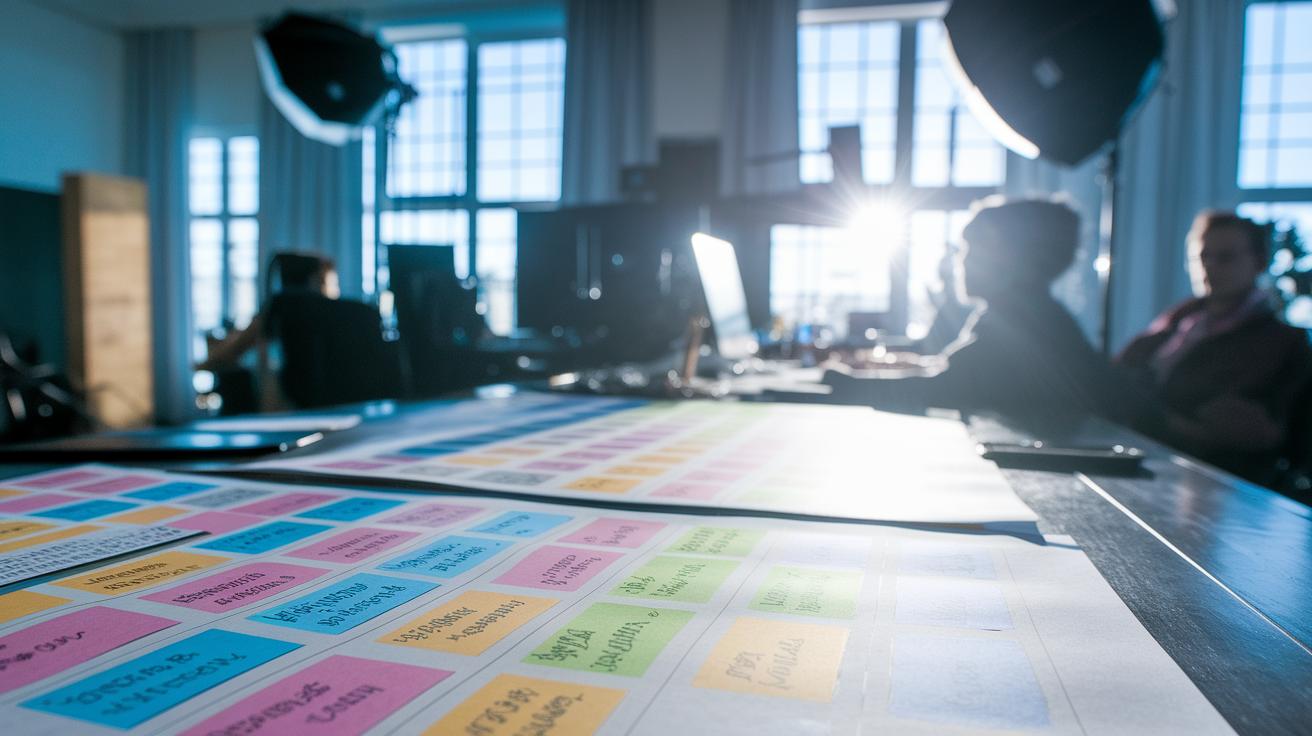
Imagine a video storyboard as a comic strip that comes to life. Each panel shows a shot with a few script lines and handy notes, so everyone can see what the scene is all about, whether it's where the actor stands or how the camera moves.
Using a storyboard is like sharing an inside scoop with your team before the cameras start rolling. Picture a sketch of a character with a note saying, "The hero sneaks into the building," along with an arrow to show the camera's pan. Fun fact: before filming his blockbuster, one director used simple sketches to map out every exciting scene. Even rough drawings can spark cinematic magic!
This clever tool makes the whole production run smoother. When every detail is planned out ahead of time, you skip those pesky last-minute fixes during editing. Whether it’s a quick three-sketch layout or a high-tech digital slide deck, a clear video storyboard keeps creative ideas and technical plans in perfect sync, saving time and setting the stage for a great story.
Essential Components of an Effective Video Storyboard

Think of each frame as a mini set for your film. It’s like a handy blueprint that guides you through every step of your video production. Every panel shows a snapshot of the scene, making it easy to see how the story unfolds, kind of like a behind-the-scenes guide where every small detail matters.
When you put together your storyboard, mix in both pictures and words. Draw a small image that captures the scene’s layout, where the actors are, and what the background looks like. It should also show what’s happening so the team knows exactly what to expect. Adding dialogue or voice-over hints is like sprinkling in extra context. You tell everyone when lines are delivered and where sound effects hit, giving that scene its own rhythm.
Often, templates break the page into different areas for each detail, making it clear and organized. Clear notes about transitions and pacing help everyone imagine smooth moves from one scene to the next.
Here’s what you need to include:
| Key Component | Description |
|---|---|
| Shot panel or thumbnail | A mini image showing the scene layout |
| Action description | A brief note on what’s happening in the shot |
| Dialogue or voice-over text | Words that fill in the scene’s context |
| Camera angle and movement | Description of how the camera captures the scene |
| Timing cues | Notes on the length of scenes and transitions |
| Special effects or sound notes | Additional details to heighten the mood |
Put all these pieces together and you’ve got a clear, easy-to-follow roadmap for your video shoot. Even a simple sketch can express your vision powerfully when each part is given its moment to shine.
Step-by-Step Guide to Crafting Your Video Storyboard
Start by nailing down a clear video idea or script outline. Picture a quiet street suddenly lighting up with a vibrant parade; this kind of vision sets the mood and gives your storyboard purpose right from the start.
Next, lay out your panels. Think of it like placing photos into a fun album. Whether you're using a digital template or just a blank sheet, giving each frame its own space helps everything shine. Even a simple grid on paper works great!
Now, sketch each scene, even if it's just stick figures or simple shapes. The goal isn’t perfect art; it’s about showing where your characters and key elements go. Imagine drawing a character beside a building with a little arrow to show which way they’re heading.
Then, add some quick notes under each panel. Jot down dialogue lines, camera angles, motion cues, or lighting ideas. For example, you might write, "Character whispers, 'Did you catch that?' as the camera pans left." These short notes capture the energy behind every moment.
Finally, share your draft with a friend or teammate and listen to their feedback. A few small adjustments can add clarity and energy to your storyboard. Don’t worry about your drawing skills, using sourced images or photos is totally fine until your layout feels just right.
By following these steps, you create a clear, scene-by-scene blueprint that turns your video vision into an engaging, creative plan.
Top Video Storyboard Templates and Tools

Are you on the hunt for an online tool that makes planning your video super fun and easy? These digital storyboard makers bring a spark of creativity to your planning. Whether you need a free film layout you can download or a design that lets you tailor every little detail, there’s a tool here that fits your vibe.
Take BOORDS, for instance. They let you kick off your project with a free plan or upgrade to a more personalized experience for just $25 a month. And then there's STORYBOARDTHAT, which starts free and lets you unlock extra features for only $9.99 monthly. It’s perfect when you want a boost without spending a fortune.
If you’re after something with a bit more muscle, STUDIOBINDER might be your go-to. It’s built for enthusiasts and pros alike, kicking off at $29 a month. Meanwhile, MakeStoryboard keeps things fun and simple with a limited free option, plus a professional upgrade for $14 per month that adds some extra polish to your project.
For filmmakers always on the move, SHOTPRO is versatile, offering an app version for $39.99 and a desktop option at $25 monthly, ensuring you can work your magic wherever you are. And if you’re a hobbyist not ready to invest upfront, STORYBOARDER is a neat free download available for Mac, Windows, and Linux, ideal for nurturing creative ideas without any cost.
Finally, for those big projects that need a business-ready edge, VYOND comes in with plans starting at $92 a month. This option is geared toward managing advanced features and larger-scale productions, ensuring you have everything you need to bring your story to life.
These tools help you quickly map out your scenes, manage shot lists, and keep your production timeline neat and organized. They’re built to spark inspiration with designs so user-friendly, you’ll feel the rush of a live set every time you plan your next big project.
| Tool | Pricing |
|---|---|
| BOORDS | Free plan + $25/month individual plan |
| STORYBOARDTHAT | Free + premium $9.99/month |
| STUDIOBINDER | Starts at $29/month |
| MakeStoryboard | Limited free + professional $14/month |
| SHOTPRO | $39.99 (app) or $25/month (desktop) |
| STORYBOARDER | Free download |
| VYOND | Business plans from $92/month |
Advanced Techniques and Best Practices for Video Storyboarding

Step into a world where every frame comes alive with its own story. With smart AI tools, you can now upload your .doc, .ppt, .txt, or .pdf documents and see a rough video cut pop up in less than a minute. It feels like magic, turning your ideas into a visual map that outlines each creative moment perfectly.
Imagine having a range of cool layouts at your fingertips: Conversation, Talking Head, Narration. Whether you're going for a Formal vibe or something more Casual or even Playful, you get to pick the mood that suits your vision. It’s all about mixing up shot diversity, dynamic compositions, and clear camera moves peppered with emotional cues that light up your scenes.
Early team reviews turn this process into a real team-up moment. With automated drafts in hand, tweaking and perfecting your storyboard becomes a breeze.
AI-Driven Storyboarding Workflow
- Upload your script or topic document
- Pick your favorite layout style and decide how many panels you need
- Choose the vibe and language that feel right
- Generate and check out your automated storyboard draft
Final Words
in the action, we explored how a video storyboard sets the pace by organizing shots and dialogue in a clear, visual sequence. The article broke down every phase, from sketching simple panels to using top-notch online tools, and shared techniques to perfect your scene sequencing manual. We showed you step-by-step how to turn ideas into a smooth visual script organization while keeping things fun and easy to follow. Embrace this creative tool, and let your video storyboard spark the magic in every production!
FAQ
Q: What is a video storyboard template and is there a Word version?
A: The video storyboard template is a preformatted layout that organizes shot panels, dialogue, and camera angles. A template in Word offers an editable document to plan scenes quickly.
Q: What tools help in creating a video storyboard, including makers and creators like Canva?
A: Video storyboard makers, storyboard creators, and platforms like Canva provide user-friendly tools with customizable layouts, allowing you to design, arrange, and adjust scenes with ease.
Q: Are there free video storyboard tools or apps available?
A: Free video storyboard tools, such as downloadable apps like STORYBOARDER, offer essential features for creating and sequencing scenes, making pre-production planning accessible without cost.
Q: What is video storyboard AI?
A: Video storyboard AI uses artificial intelligence to convert your script into a rough storyboard draft, offering layout options and quick revisions that streamline your production planning process.
Q: What does a storyboard example look like?
A: A storyboard example displays panels with sketches, action notes, dialogue, and camera directions, helping teams visualize scene sequences and share a clear creative vision before shooting.
Q: What is a video storyboard?
A: A video storyboard is a visual script laid out like a comic strip that maps out scenes with sketches, dialogue, and camera instructions. It guides the production process by planning each shot.
Q: What are the 7 steps in storyboarding?
A: Storyboarding often involves steps like idea generation, panel setup, scene sketching, dialogue annotation, camera detailing, feedback collection, and revision to create a smooth, effective visual plan.
Q: What are the three types of storyboards?
A: The three types of storyboards include thumbnail storyboards for quick sketches, traditional panels for detailed planning, and animatic storyboards that add timing and sound cues for dynamic presentations.